


By the Gearbly Engineering Team | Reading Time: 14 Minutes
In the last 24 months, the software development lifecycle (SDLC) has undergone its most radical transformation since the advent of Cloud Computing. The promise is seductive: “10x Developer Productivity” through the adoption of Artificial Intelligence (AI) and automation tools.
But for agency owners, CTOs, and Senior Architects, the metric that matters is not Lines of Code (LoC) produced—it is Shippable Features delivered.
At Gearbly, we operate on the principle of “Ability.” We believe that while AI can generate code at lightning speed, it requires a new layer of “Precision Engineering” to ensure that speed does not compromise security or scalability. This analysis cuts through the marketing noise to evaluate the real-world impact of AI on developer workflows in 2026.
Part 1: The New Baseline – Quantifying the Shift
The days of manually typing every semicolon are over. According to the 2025 Stack Overflow Developer Survey, 84% of developers now use or plan to use AI tools in their workflow. But what is the tangible impact?
Recent data from the GitHub DORA (DevOps Research and Assessment) Report suggests a nuanced reality:
- The Velocity Gain: Developers report a 30–50% reduction in time spent on boilerplate code (CRUD operations, unit tests, and documentation).
- The “Trust Tax”: Conversely, time spent on code review has increased. As AI generates more code, senior engineers are shifting from “writers” to “editors,” spending more cycles validating logic than creating it.
The Gearbly Verdict: AI does not make you a “10x Developer.” It makes you a “10x Architect.” It removes the friction of syntax, allowing you to focus entirely on system design—if you have the discipline to verify the output.
Part 2: The Tooling Landscape – A Technical Evaluation
Not all automation tools are created equal. We have categorized the current market leaders into three tiers based on their utility for high-performance engineering teams.
Tier 1: The Context-Aware Copilots (IDE Integrated)
- GitHub Copilot (Microsoft): The industry standard. Its strength lies in its deep integration with the VS Code ecosystem and its ability to predict “next logical steps” based on open-source patterns.
- Best For: Rapid function completion and writing standard unit tests.
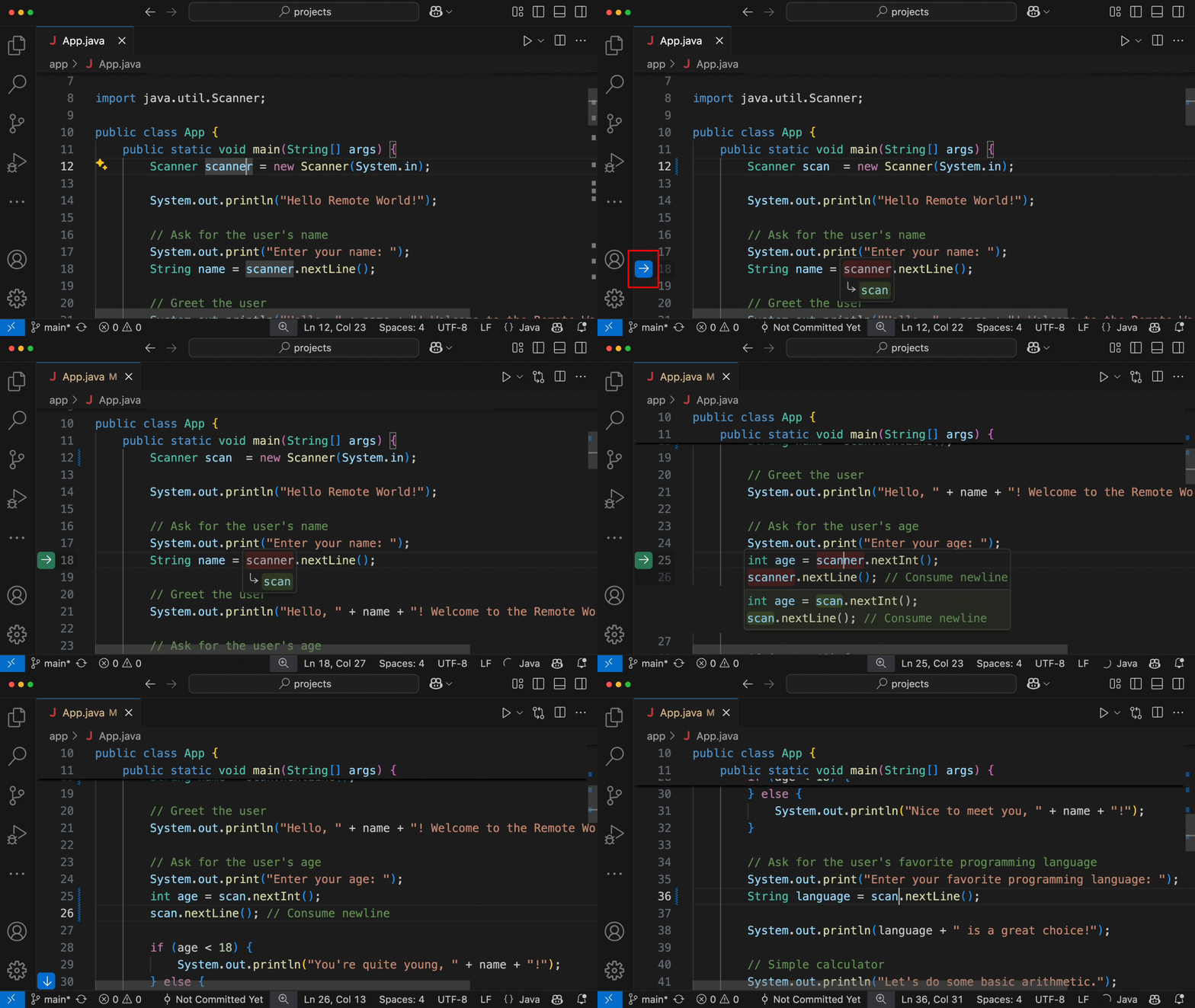
- Cursor (The Challenger): A fork of VS Code that is rapidly gaining ground among senior engineers. Unlike Copilot, Cursor indexes your entire local codebase, allowing it to “understand” your specific architectural patterns, not just generic syntax.
- Gearbly Engineering Note: We prefer Cursor for complex refactoring because it hallucinates less when navigating custom proprietary frameworks.
Tier 2: The Autonomous Agents (Task Execution)
- Devin / Claude Code: These tools claim to be “autonomous software engineers.” You give them a terminal prompt (“Build a React component that fetches data from API X”), and they execute the file creation, coding, and debugging loops.
- Risk Profile: High. While impressive for demos, these agents often introduce “spaghetti code” that is hard to maintain long-term.
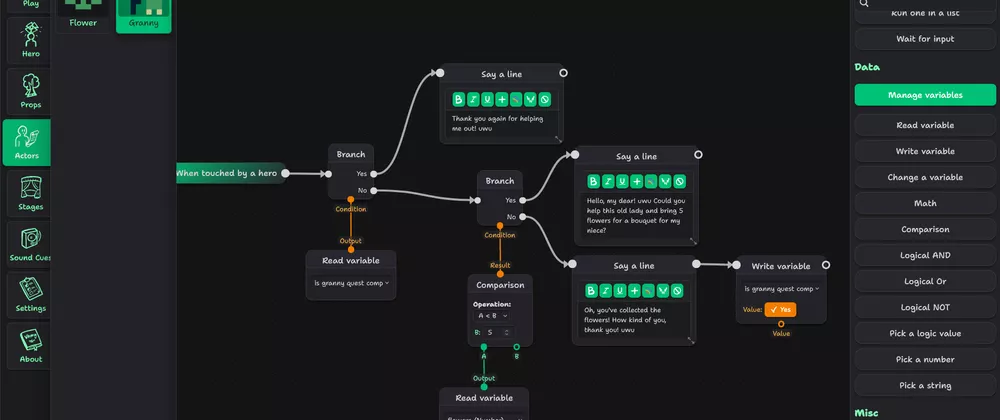
- n8n (Workflow Automation): As discussed in our previous analysis on Low-Code Tools, n8n remains superior for backend automation. It allows developers to visually map out API integrations while retaining the ability to inject custom JavaScript nodes for complex data transformation.
Tier 3: The Infrastructure Automators (DevOps)
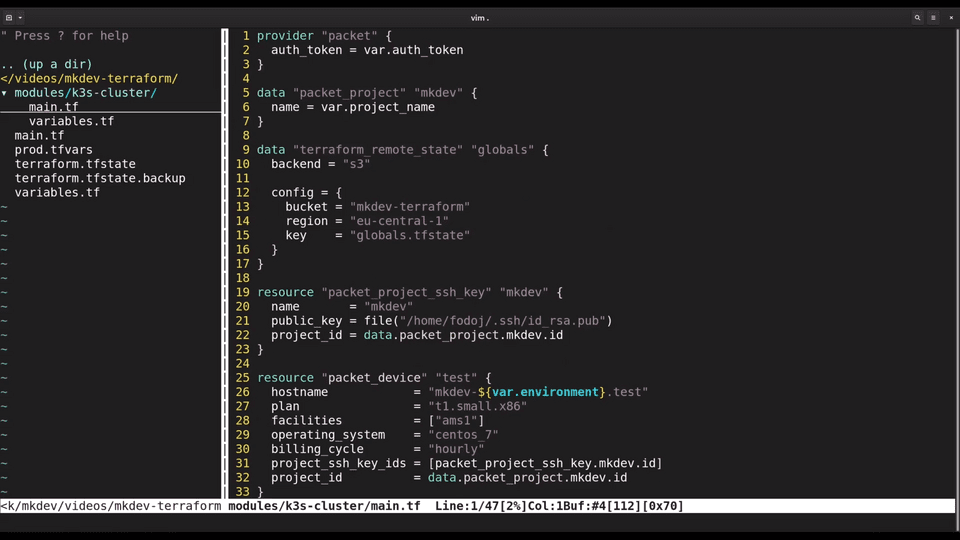
- Terraform & Ansible: The “Old Guard” of automation.
- AWS Q / Gemini Code Assist: These new entrants focus on cloud infrastructure. They can scan your AWS environment and automatically suggest CloudFormation templates or identify security groups that are too permissive.
- Value: Essential for security hardening. A human might miss an open port; an AI trained on thousands of security breaches likely won’t.
Part 3: The “Hidden” Automation – CI/CD Pipelines
True productivity isn’t just about writing code faster; it’s about shipping faster. This is where automation shines brightest.
At Gearbly, we utilize AI-Enhanced CI/CD Pipelines to catch errors before they hit production.
- Automated Regression Testing: Tools like Codeium or Diffblue can automatically write Java/Python unit tests for legacy code, ensuring that new AI-generated features don’t break old logic.
- Visual Regression Analysis: For frontend work, tools like Percy or Chromatic take screenshots of every UI component. AI compares them against the “Master” branch to detect pixel-level shifts that a human eye might miss.
- Security Scanning (SAST): We integrate Snyk or SonarQube directly into the GitHub pull request workflow. These tools scan AI-generated code for vulnerabilities (like SQL injection flaws) before a human reviewer even looks at it.
Part 4: The Strategy – How to Adopt Without “Technical Debt”
Implementing these tools without a strategy leads to a codebase full of “AI slop”—code that works but is impossible to read or maintain.
The Gearbly Protocol for AI Development:
1. The “Human-in-the-Loop” Rule
Never commit code you do not understand. If Copilot generates a complex Regular Expression (Regex) or a SQL query, the developer must be able to explain it. If they cannot, it is rejected. We use tools like ChatGPT to explain the code, but the human validates the logic.
2. Comment-Driven Development (CDD)
Instead of jumping straight to code, write the logic in comments first.
- Bad Prompt: “Write a user login function.”
- Good Prompt: “// Function to handle user login. // 1. Validate email format. // 2. Hash password using bcrypt. // 3. Compare with DB hash. // 4. Return JWT token with 1-hour expiry.”
- Result: The AI follows your architectural constraints rather than guessing.
3. Isolated Environments
When using autonomous agents (like Devin), run them in Sandboxed Docker Containers. This prevents a rogue agent from accidentally deleting production files or exposing API keys.
Part 5: Conclusion – The Architect’s Advantage
The narrative that “AI will replace developers” is fundamentally flawed. AI replaces coders (those who translate instructions into syntax). It empowers engineers (those who design systems).
For a business, the choice is clear:
- The Amateur Approach: Let junior devs use AI to paste unverified code, resulting in a fast launch but a catastrophic maintenance cycle.
- The Professional Approach: Use AI to handle the mundane “Gears” of development, freeing up your senior talent to focus on the “Ability”—the unique business logic that drives revenue.
At Gearbly, we don’t just use tools; we engineer workflows. We are building the future of web development where speed and precision coexist.
🔗 References & Trusted Sources:
- GitHub Research: “Survey: AI’s impact on the developer experience” – GitHub.blog
- McKinsey & Company: “Unleashing developer productivity with Generative AI” – McKinsey.com
- Stack Overflow: “2025 Developer Survey – AI Sentiment” – StackOverflow.com
- Google Cloud DORA: “State of DevOps Report” – Cloud.google.com
🚀 Maximize Your Team’s Output Are you using the right tools, or just adding noise to your workflow? Download our “AI Implementation Matrix” – a 1-page guide on exactly which tool to use for Frontend, Backend, and DevOps tasks.
This article was published by Gearbly, the precision engineering agency for high-performance digital assets.